Skip to content
TBinary

Mobile and Telegram

Trade wherever you are

There is nothing to download. Open TBinary inside Telegram or in your phone's browser and you have the whole platform: live prices, your demo and real accounts, and your wallet.

On a computer? Every feature works in your browser too. Start on the web

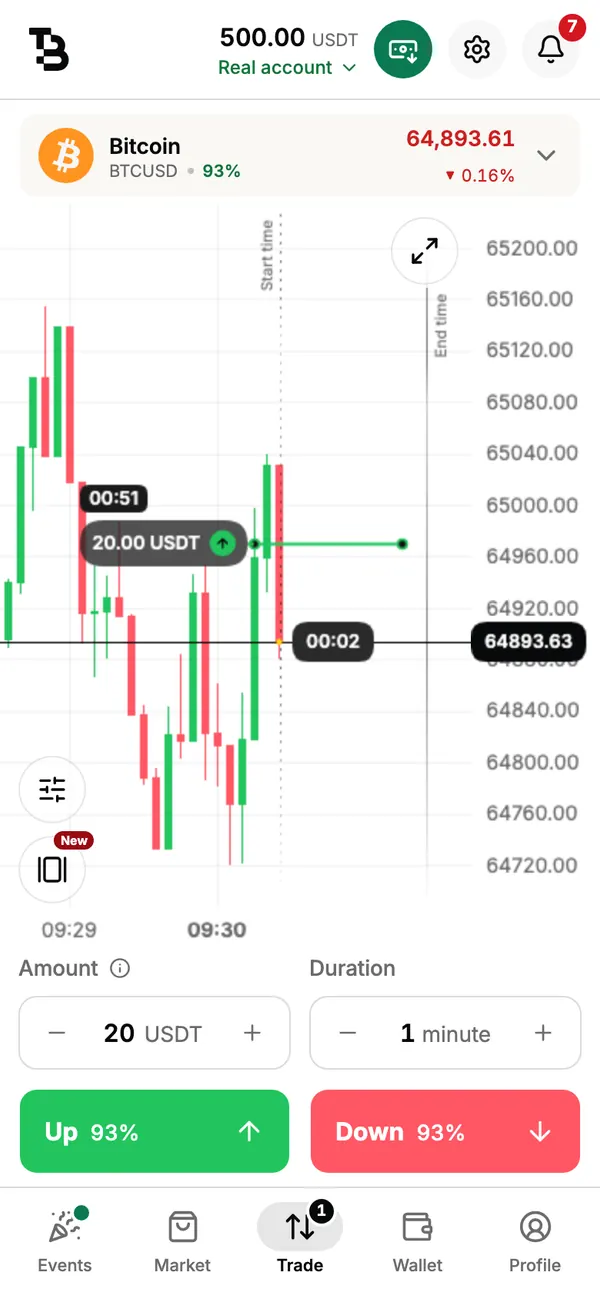
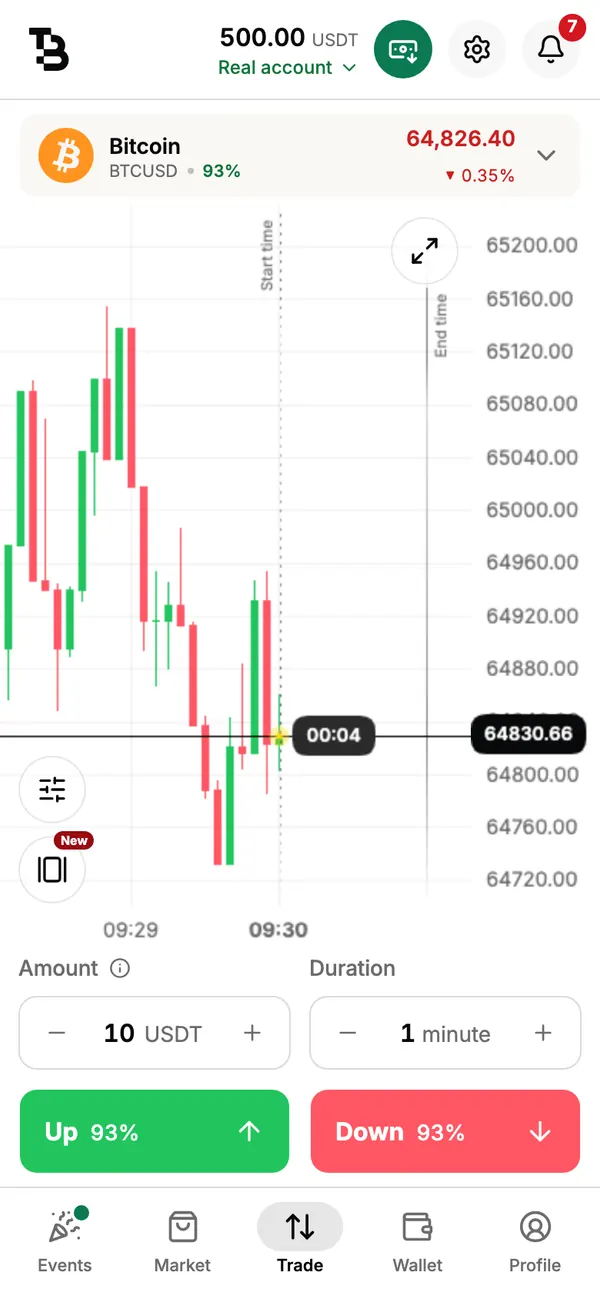
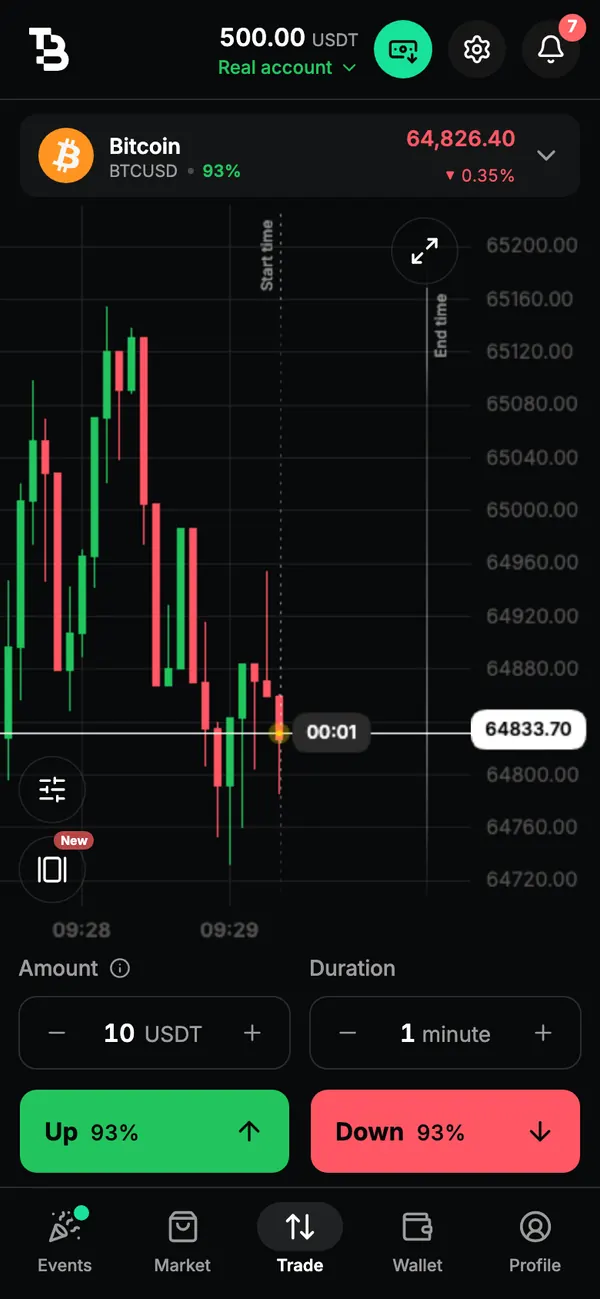
The trading screen of the platform on a phone, with the live Bitcoin chart and the Up and Down buttons

Features

The whole platform, in your pocket

Everything you do on the web, in a layout made for one hand.

Trade in two taps

Pick a symbol, set an amount from $0.10 up to at most 30% of your current balance to enter the trade, and choose Up or Down. The payout is on screen before you confirm.

  • Payout shown before every trade
  • Expiry times vary by the type of symbol
  • Demo and real accounts, one switch
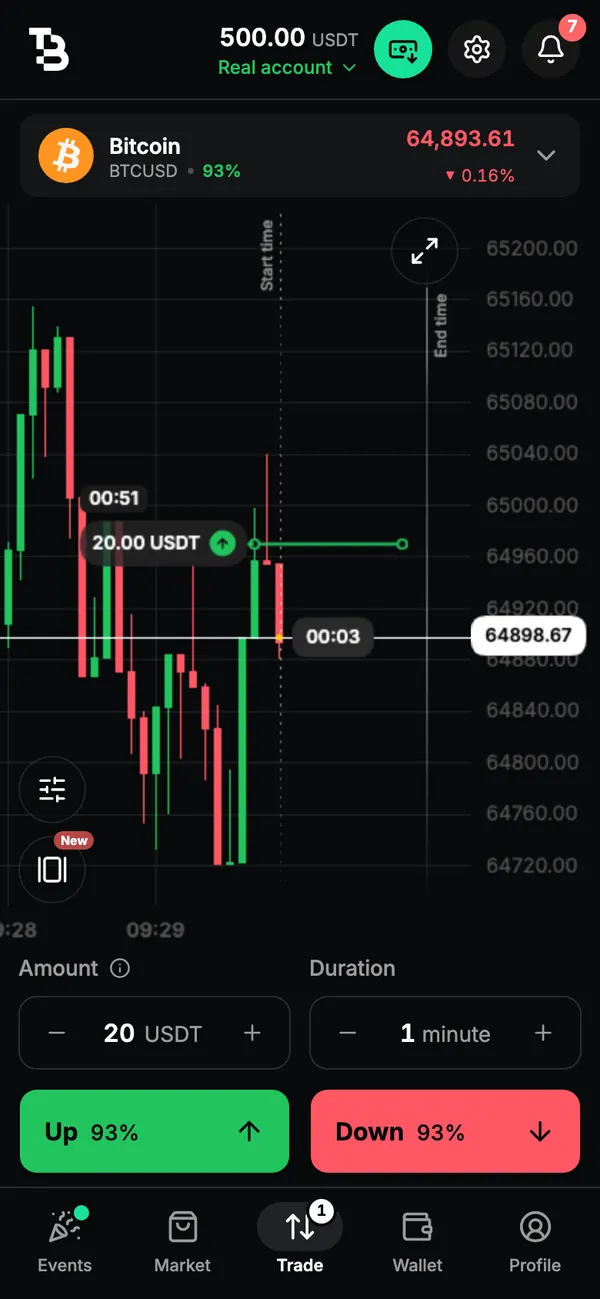
An open trade on the Bitcoin chart in the platform, with its amount and the time left

Live prices on the move

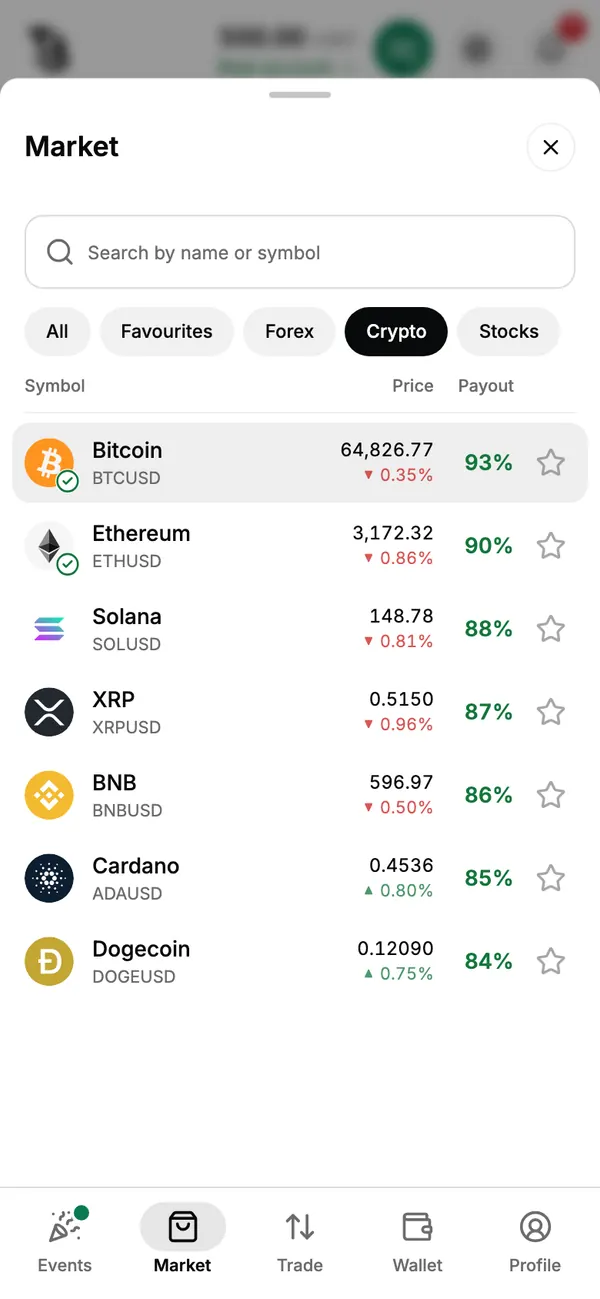
Follow the most popular cryptocurrencies on real-time charts.

  • Real-time prices and candles
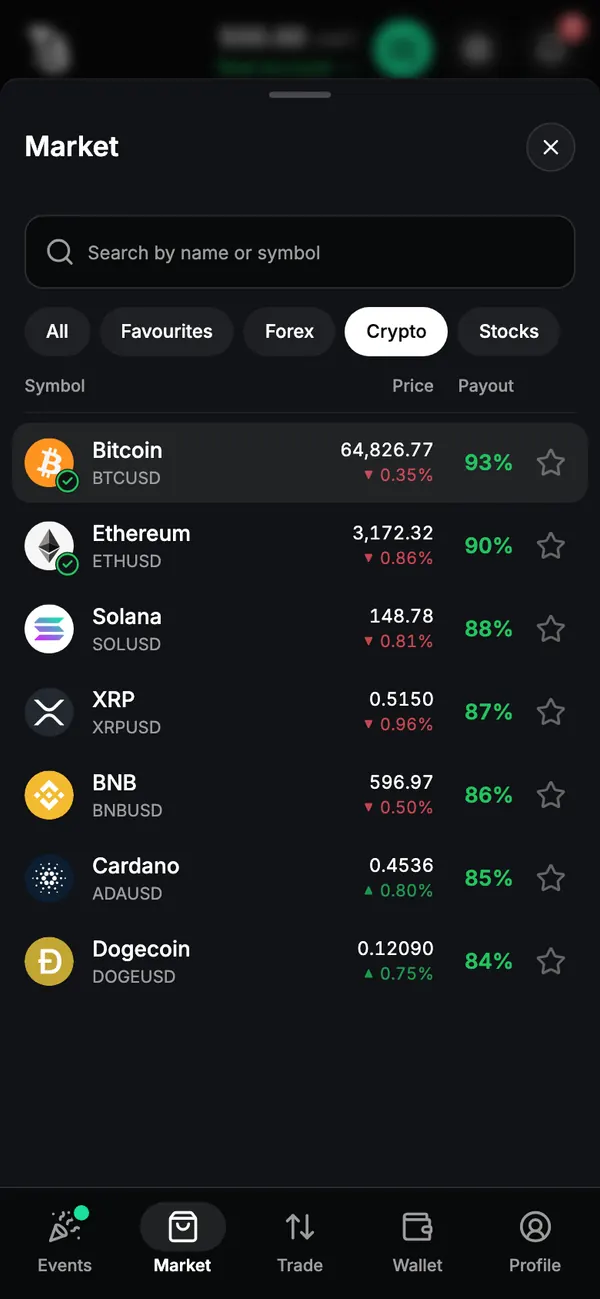
  • Every market in one list
  • Your open trades on the chart
The cryptocurrency market list in the platform with live prices and each symbol's payout

Your wallet, anywhere

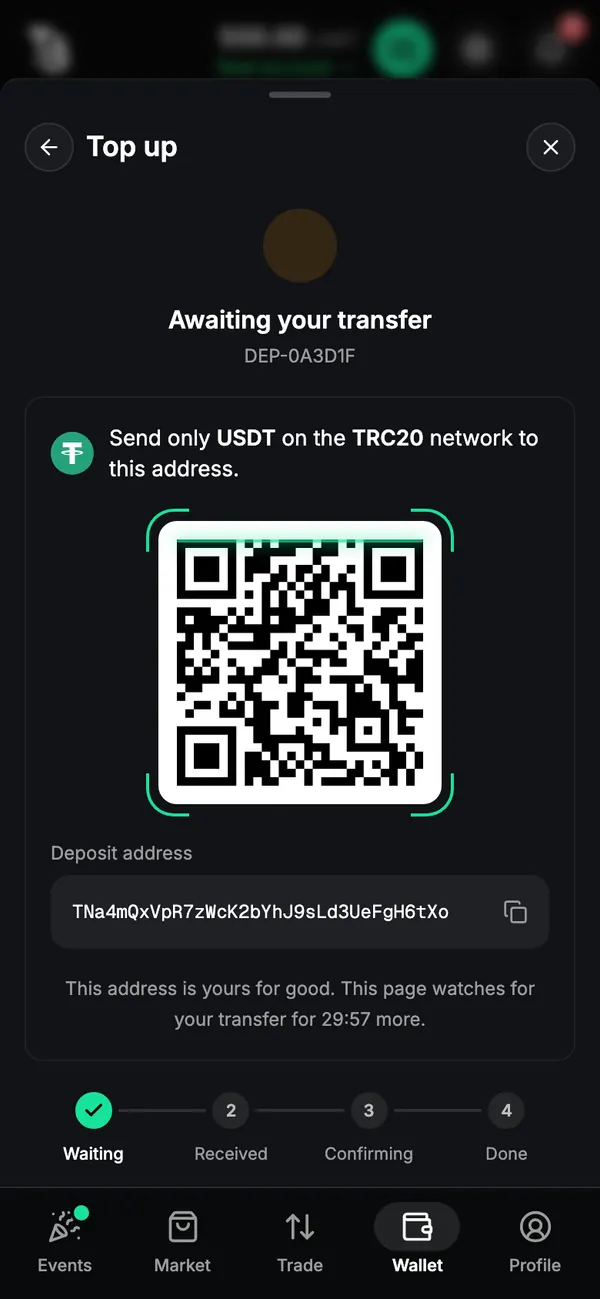
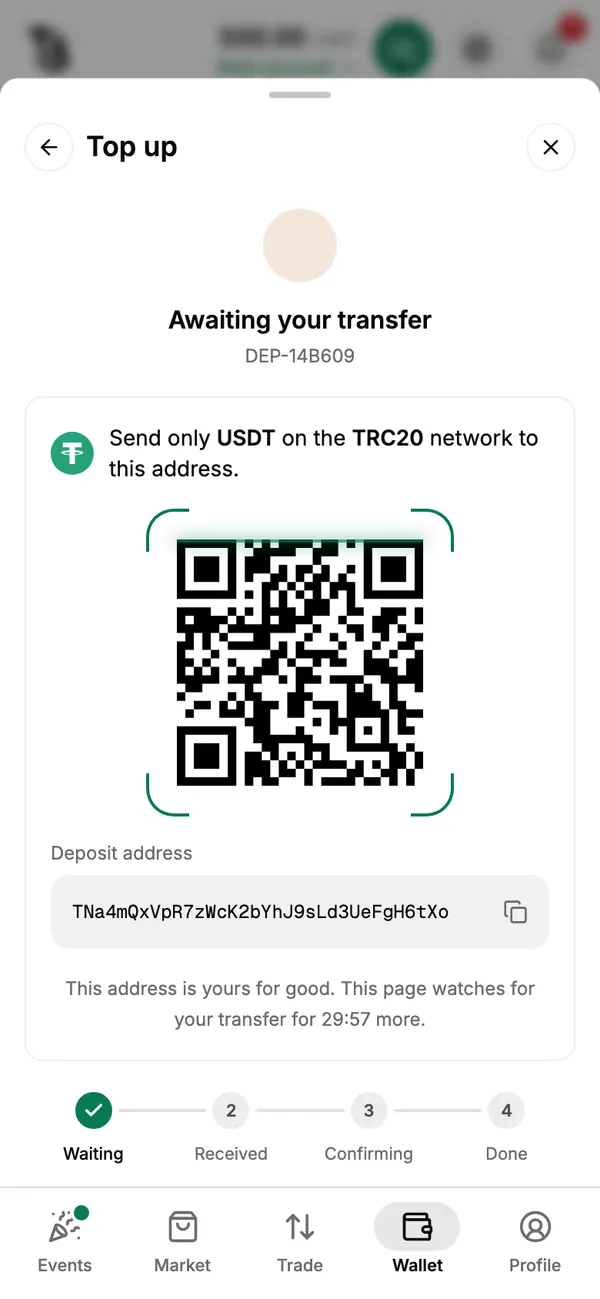
Deposit and withdraw in USDT on the Tron network (TRC20) and follow every transaction to the end.

  • USDT on the Tron network (TRC20) only
  • Every transaction with its status
  • The same balance as on the web
The USDT deposit screen on the Tron network with a QR code and the wallet address

Protected like the web

Your account has the same protection in Telegram and on your phone, and you can verify your identity from your phone.

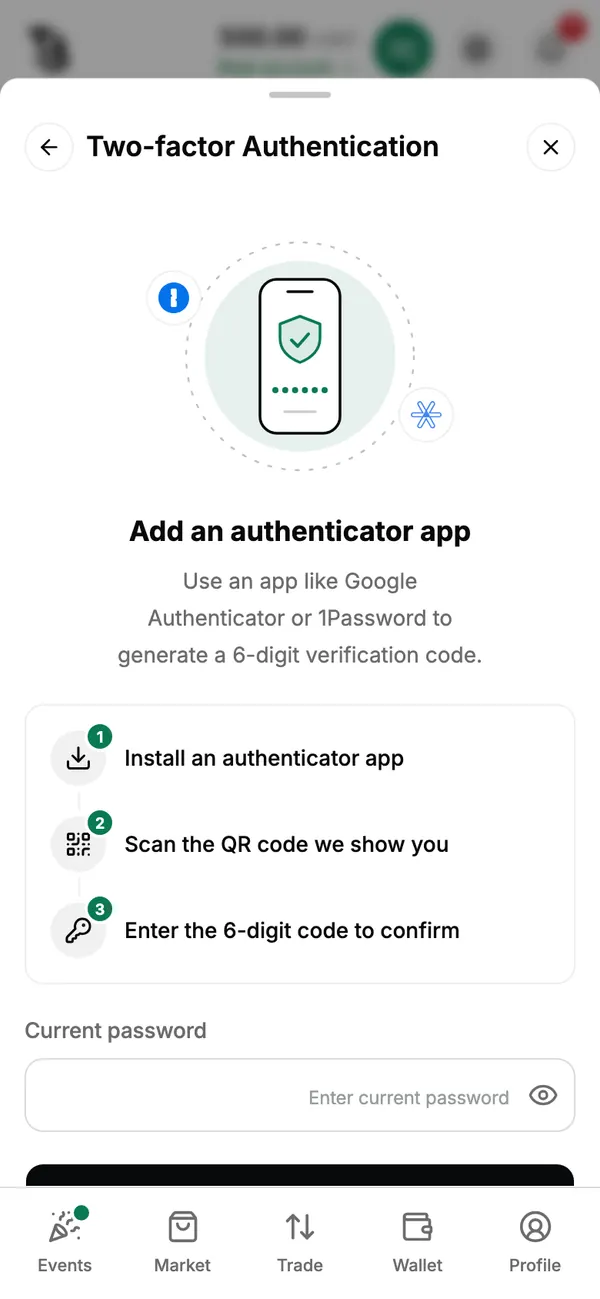
  • Two-step sign-in with an authenticator app
  • Recovery codes if you lose your phone
  • Identity verification from your phone
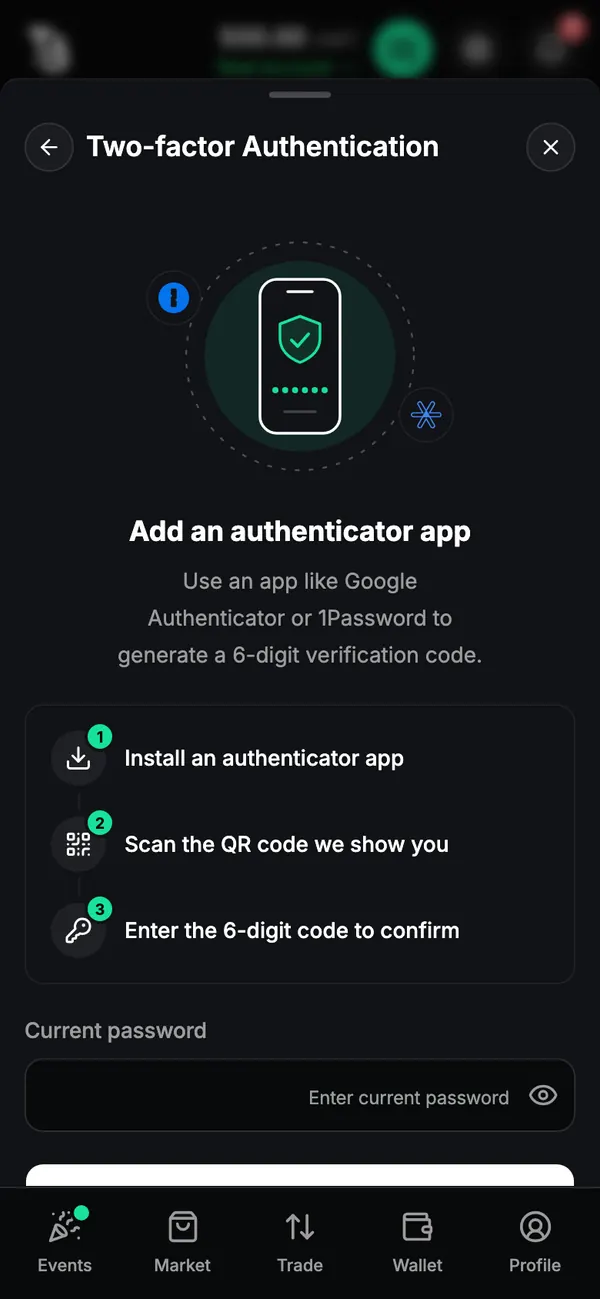
The screen for turning on two-step sign-in with an authenticator app

One account on every device

Sign in anywhere and pick up where you left off: your balance, demo account and history follow you.

  • Browser

    Any modern browser, on a computer or a phone.

  • Telegram on iPhone

    Open the TBinary bot in the Telegram app and start the platform from the bot's menu.

  • Telegram on Android

    Open the TBinary bot in the Telegram app and start the platform from the bot's menu.

Questions about TBinary on mobile

Do I need to install anything?

TBinary runs in your phone's browser, and inside Telegram through our bot. There is nothing to download and nothing to pay for; you only put in the amount you choose to trade.

Is it the same account as the website?

Yes. Your balance, demo account and trade history are the same in your browser and in Telegram. Once your Telegram account is linked, opening the platform from the bot signs you in without a code.

Can I practise with the demo account on my phone?

Yes. The $10,000 demo account is there in Telegram and in your browser, and you can switch between demo and real at any time.

Which Telegram apps can I use?

The Telegram app on iPhone, Android or a computer. Telegram Web can't keep you signed in, so it asks you to open the Telegram app instead. Signing up through Telegram works with Iranian mobile numbers.

What happens if I lose my phone?

Your money is held in your account, not on the phone. Sign in on another device; if two-step sign-in was on, use one of your recovery codes or contact support.

Free demo account

Ready to start trading?

Start with a demo account: practise and build your skills with no deposit needed.

No deposit and no identity check are needed for the demo account.